How It Works
Privacy by design,
not by promise.
trrrust is built so that private conversations stay private — not because we choose not to look, but because there is nothing to look at.
See trrrust in action — 36 second demo
Open the App
No sign-up. No phone number. No email.
When you first open trrrust, there is no registration form. No phone number. No email. No social login. You get a temporary 6-character code and a QR code — valid for 5 minutes. That code is your only identity until you choose a username.
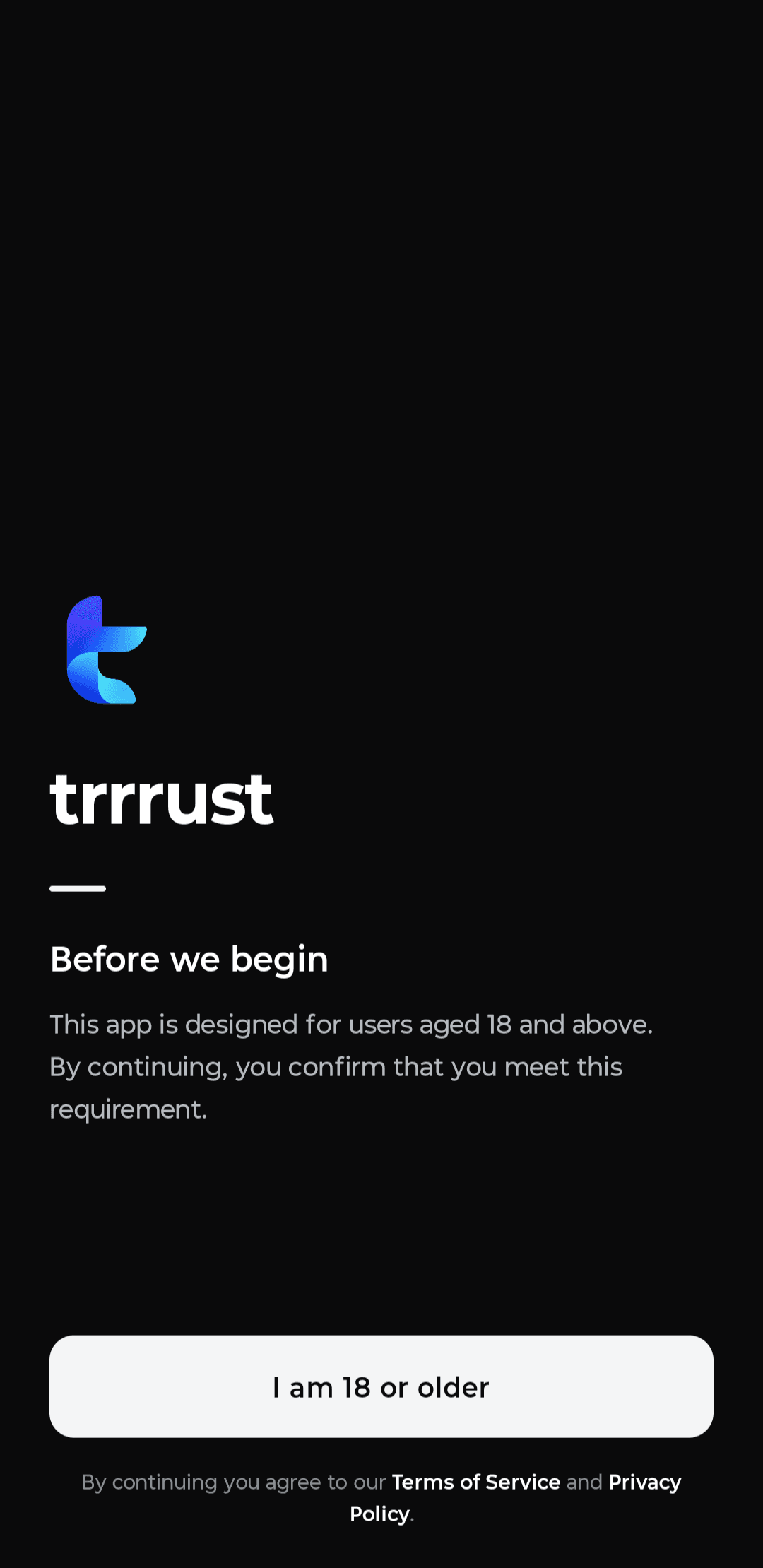
Pair In Person
You only connect with people who are physically present.
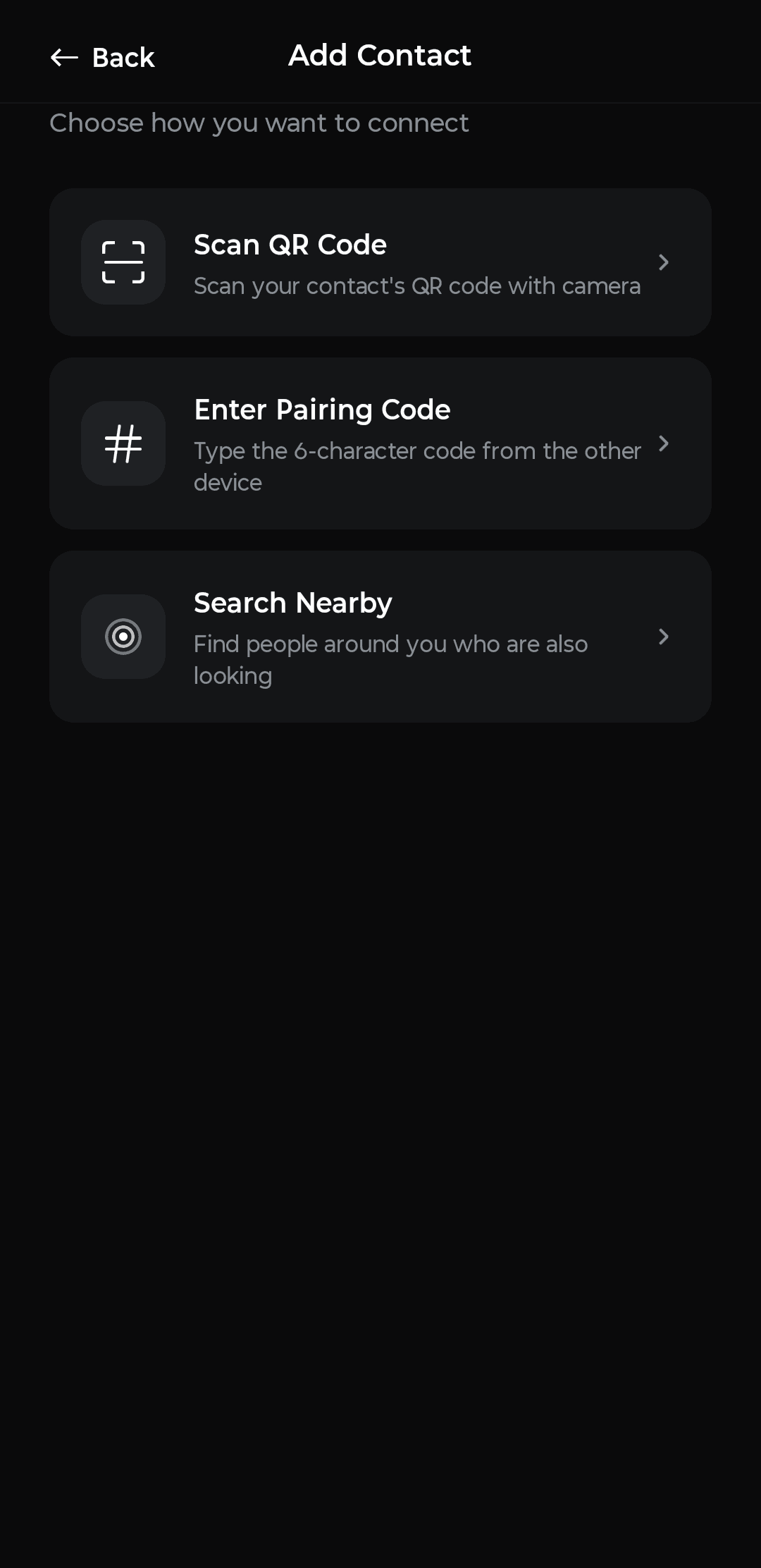
To add someone, you need to be in the same room. Scan their QR code, let them scan yours, type in their code, or use the nearby search. There is no username lookup, no phone book sync, no friend suggestions. If you weren't there, you can't connect.
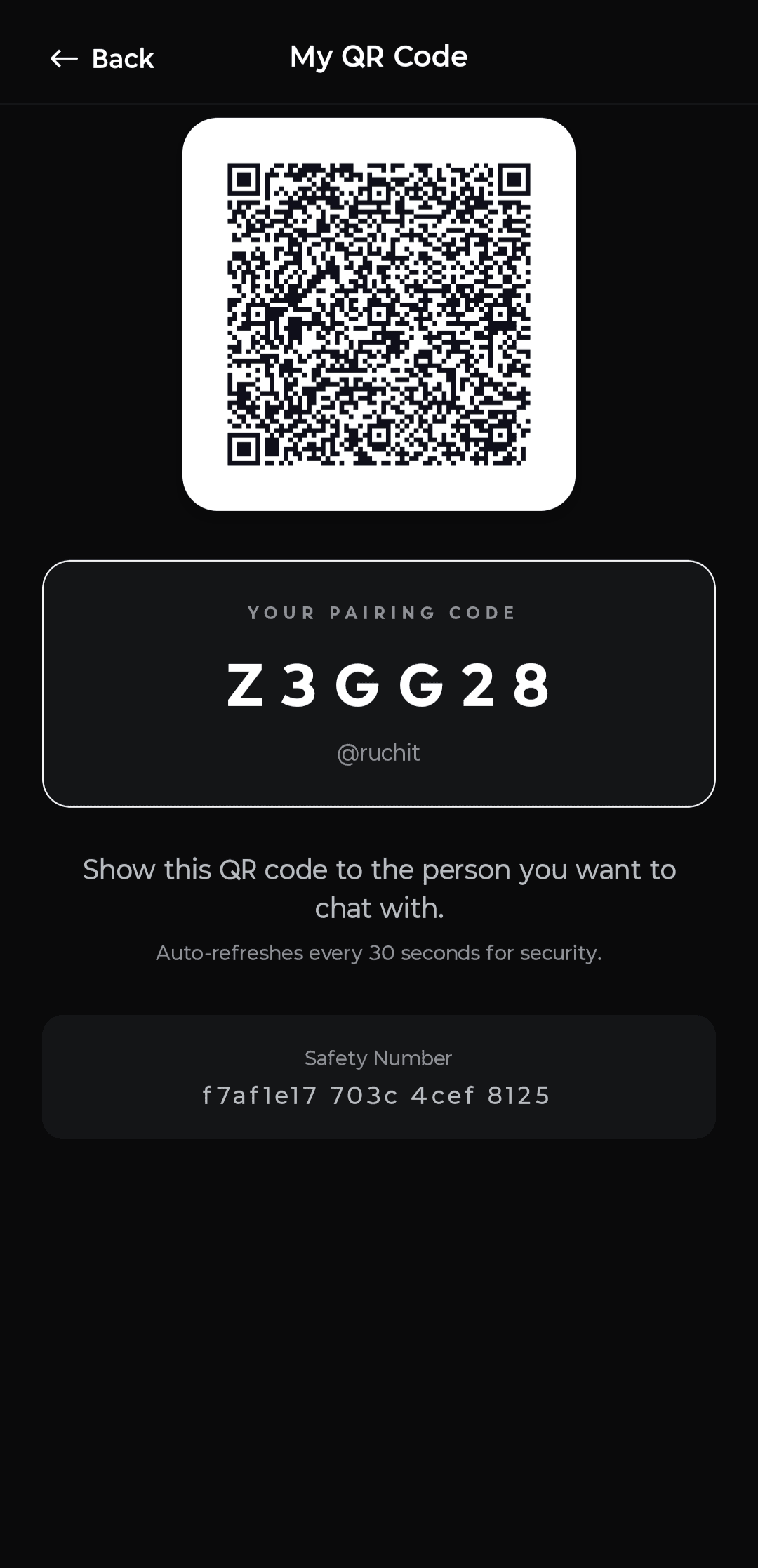
Set Your Identity
A username and a PIN. That's it.
Choose a username and a short PIN. That is your entire account. Behind the scenes, the app generates encryption keys on your device — they never leave your phone. The server stores only a hashed version of your PIN. There is no password recovery because there is nothing to recover.
See Who's Online
Contacts only appear when they're live in the app.
Your contact list shows only people who are actively using trrrust right now. No "last seen", no delivery receipts, no read receipts. When someone closes the app, they vanish from your list. Presence is the only signal.

Send a Message
Encrypted on your device. Unreadable everywhere else.
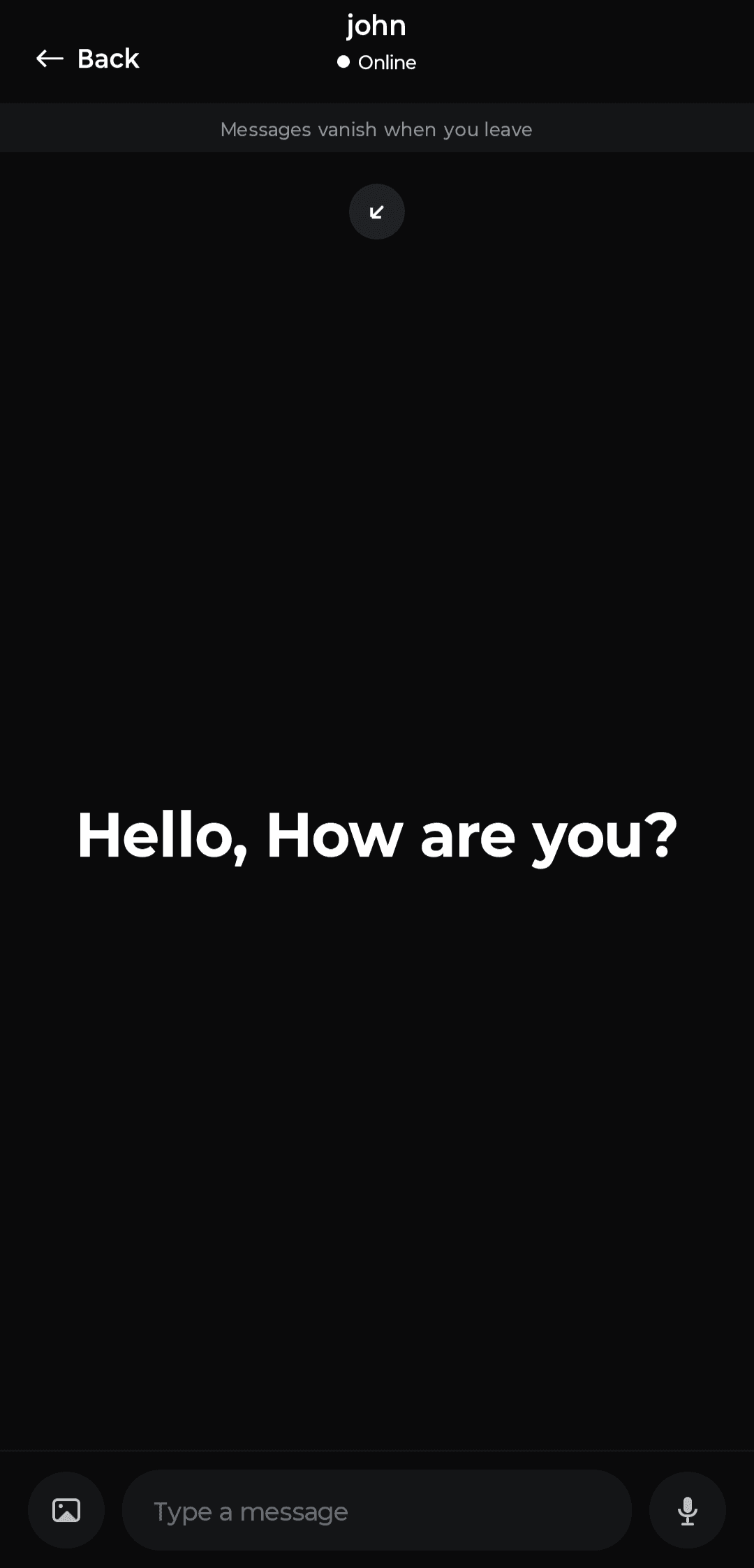
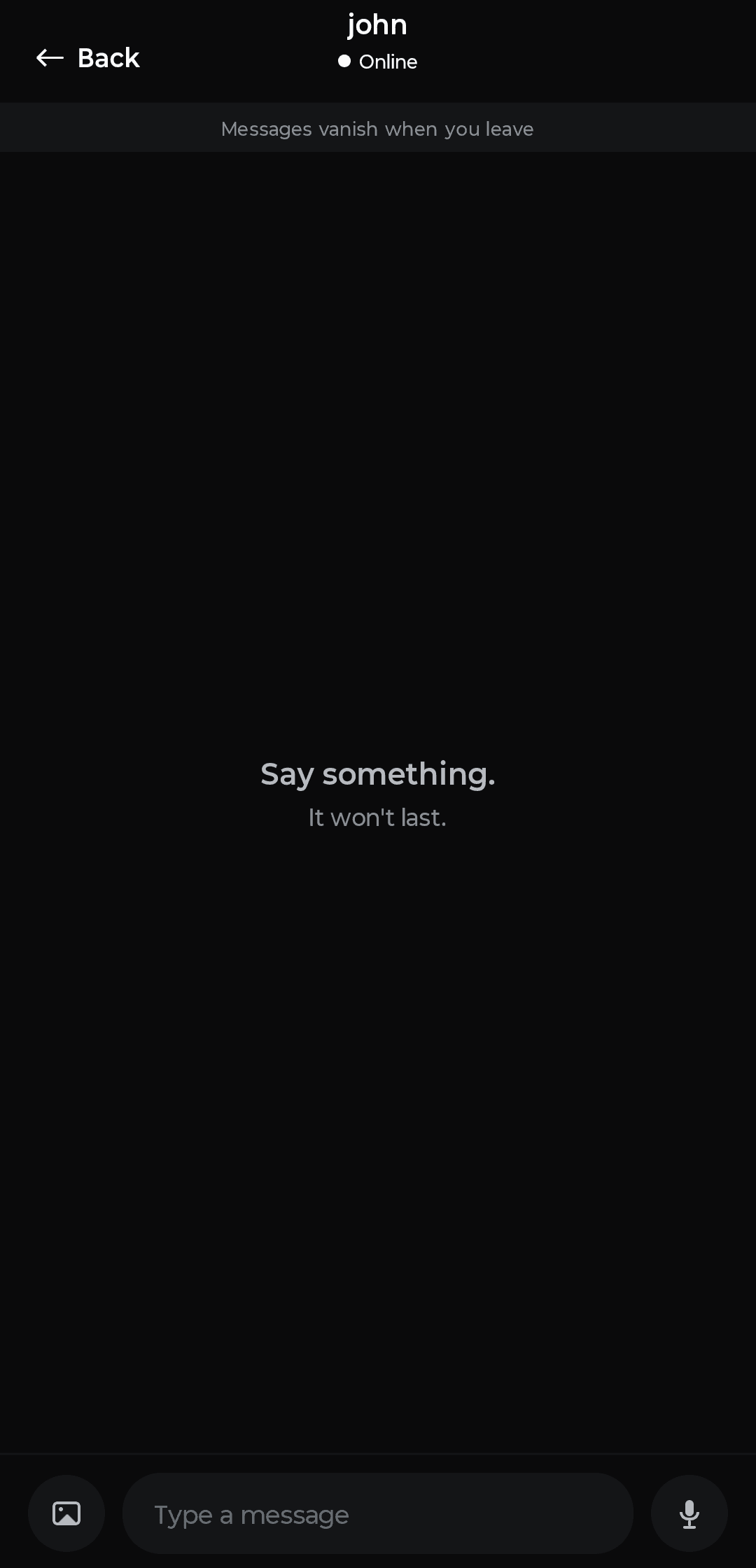
Messages are end-to-end encrypted using the Double Ratchet protocol before they ever leave your phone. The server relays an opaque blob of ciphertext it cannot read. Only the most recent message is kept — each new message overwrites the last. There is no history, no scroll, no archive.
Close and Gone
When either person leaves, everything disappears.
When either person closes the chat, the conversation is gone. Not archived. Not deleted from a server. Just gone — as if it never happened. The server had nothing to store in the first place.
Built-In Protection
Every layer is intentional.
Disguise Mode
trrrust can hide itself as a Calculator, Notes app, or Clock on your home screen — each fully functional. A secret code reveals the real app. A decoy code opens a fake version. A panic code destroys everything.
Buzz
Need someone to open the app? Send a Buzz — an anonymous push notification with no sender name, no preview, and no trace. The recipient just sees a nudge to open trrrust.
End-to-End Encryption
Every message is encrypted on your device using the Double Ratchet protocol before it leaves. The server only ever sees ciphertext. Each message derives a new key — forward secrecy is built in.
Zero Storage
The server stores only the most recent message per conversation — and only while both people are online. There are no logs, no backups, no archives. Close the app and the data is gone.
QR-Verified Pairing
QR codes are cryptographically signed and single-use. The server verifies the signature, checks the timestamp, and consumes a nonce — replay attacks and key substitution are impossible.
App Lock
Lock trrrust with a PIN or biometric authentication. Even if someone gets past your phone's lock screen, trrrust stays sealed.
Zero Knowledge
What the server can't do.
Most apps ask you to trust them. trrrust is designed so you don't have to.
Read your messages — it only sees encrypted ciphertext
Know who you are — no phone number, no email, no name
Replay a QR code — nonces are consumed on first use
Silently swap someone's keys — the app pins and flags changes
Recover your account — there is nothing stored to recover
Tips
Things to remember.
No message history
Only the last message is ever visible. There's no scroll-back — once a new message arrives, the previous one is gone.
Presence is everything
You can only message contacts who are online right now. When they leave, they disappear from your list.
PIN is your key
Your PIN is the only way to log back in. There's no password recovery — if you forget it, your account is gone.
Pairing is physical
You can't add someone remotely. Both people need to have trrrust open at the same time, in the same place.
Ready to try it?
trrrust is available for Android. No account needed to start — just open, pair, and talk.